

Who is protected
- Owners, admins, moderators and team members of the project
- Each Telegram chat’s admins (the bot looks them up itself)
- Discord server staff: the owner and members with moderation permissions
What happens
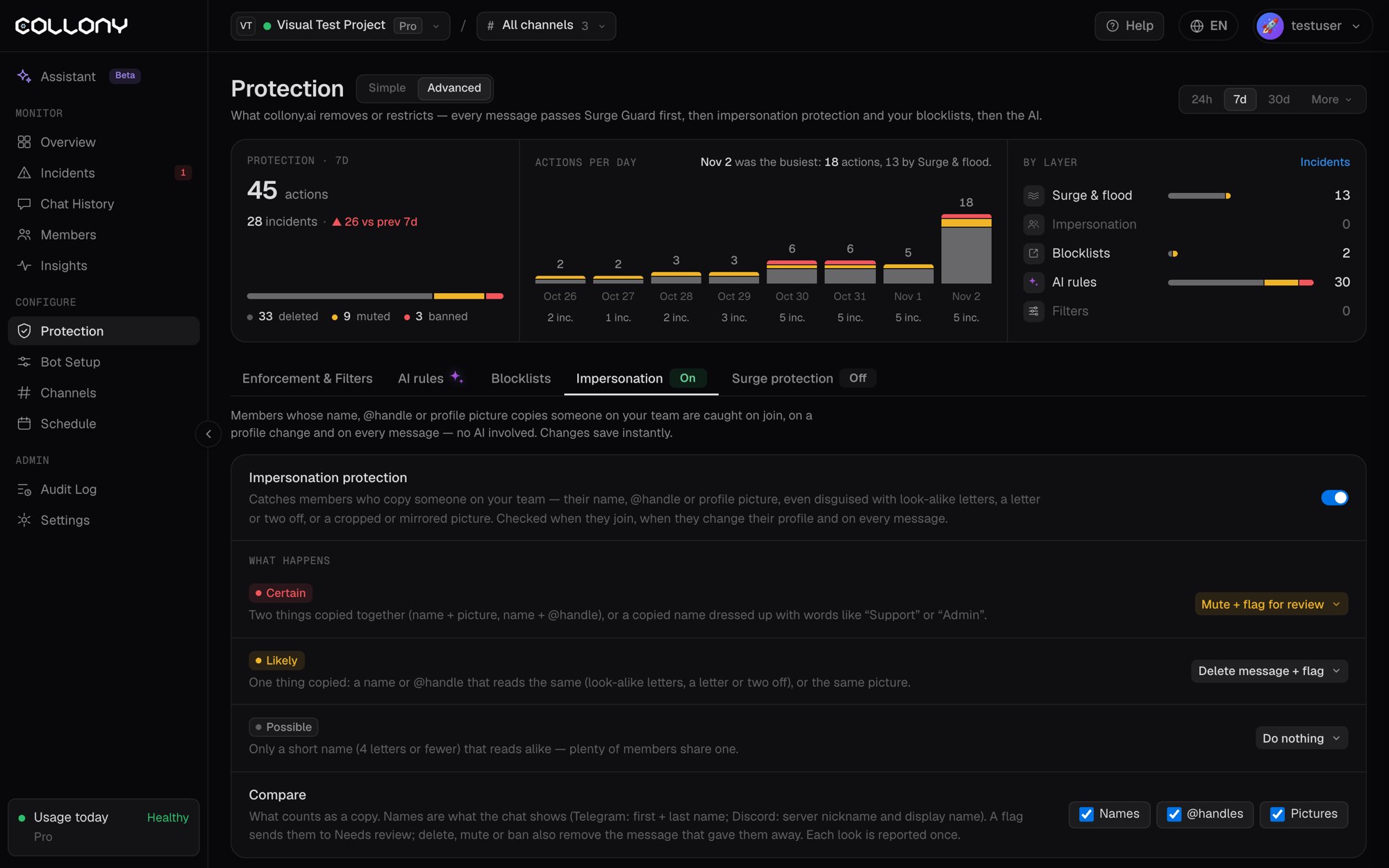
Each match is rated by how sure the bot is. You pick the action for each level.
Actions for each level: Do nothing, Flag for review, Delete message + flag, Mute + flag for review or Ban.
A flag sends the member to Needs review on the Incidents page. Delete, mute and ban also remove the message that gave them away. Each look-alike is reported once.
Compare
Choose what counts as a copy: Names, @handles and Pictures.- Names are what the chat shows: first and last name on Telegram, server nickname and display name on Discord.
- Pictures are compared by how they look, not by the file. A zoomed-in or mirrored copy still counts. Re-saving, resizing, recoloring or adding a border does not hide it.