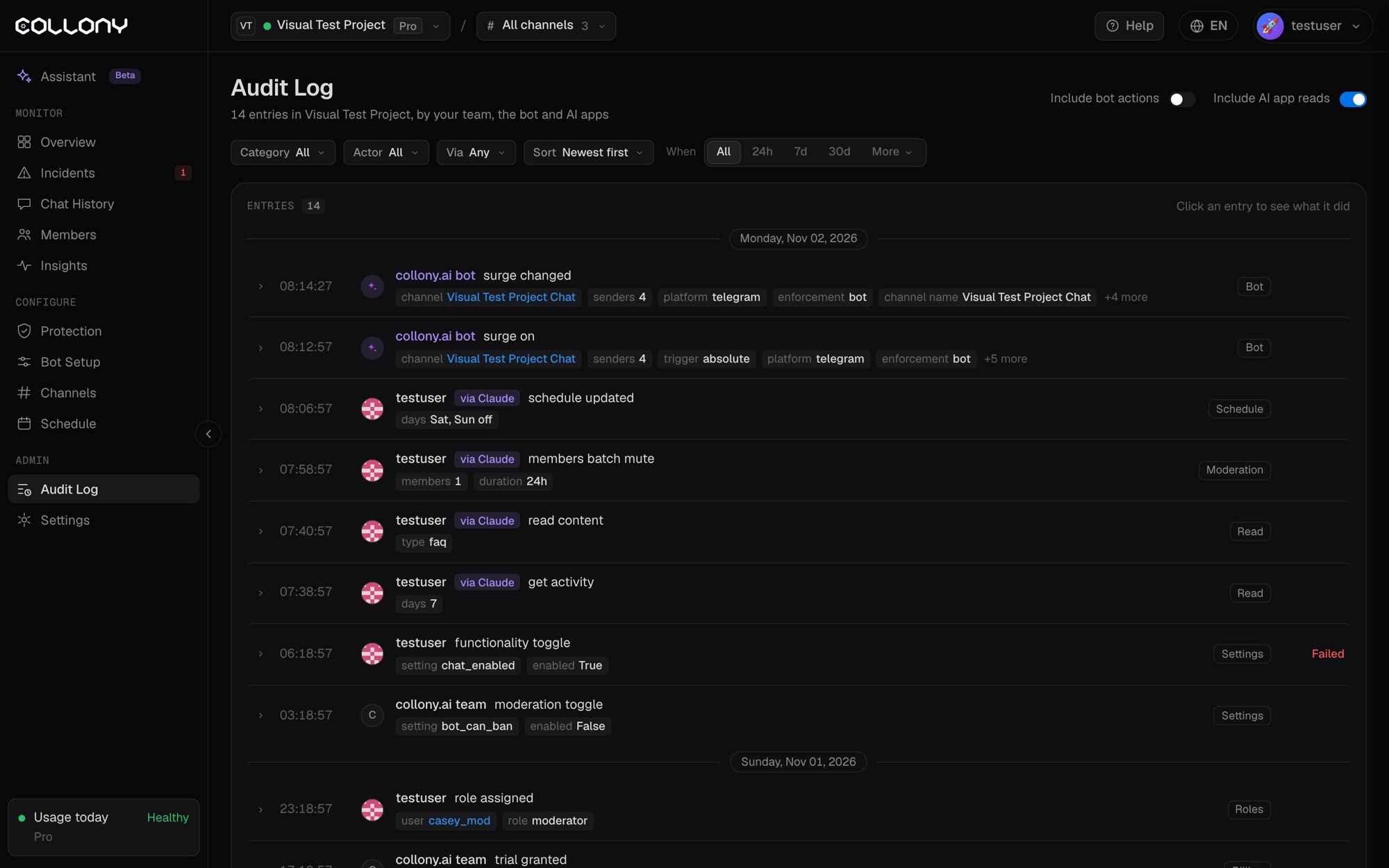
Each entry shows the time, who did it, the action, the target (a user, channel, setting or content item), the details and whether it succeeded. Click an entry to see everything it did, including the error if it failed.Changes made through an AI app are marked via the app, for example “via Claude (AI app)”. Click Undo this change to revert one.Examples of what is logged:
If the bot starts behaving differently, filter by Content or Settings first. A recent edit to the Agent Personality or Knowledge Base is the usual cause.