

What a match does
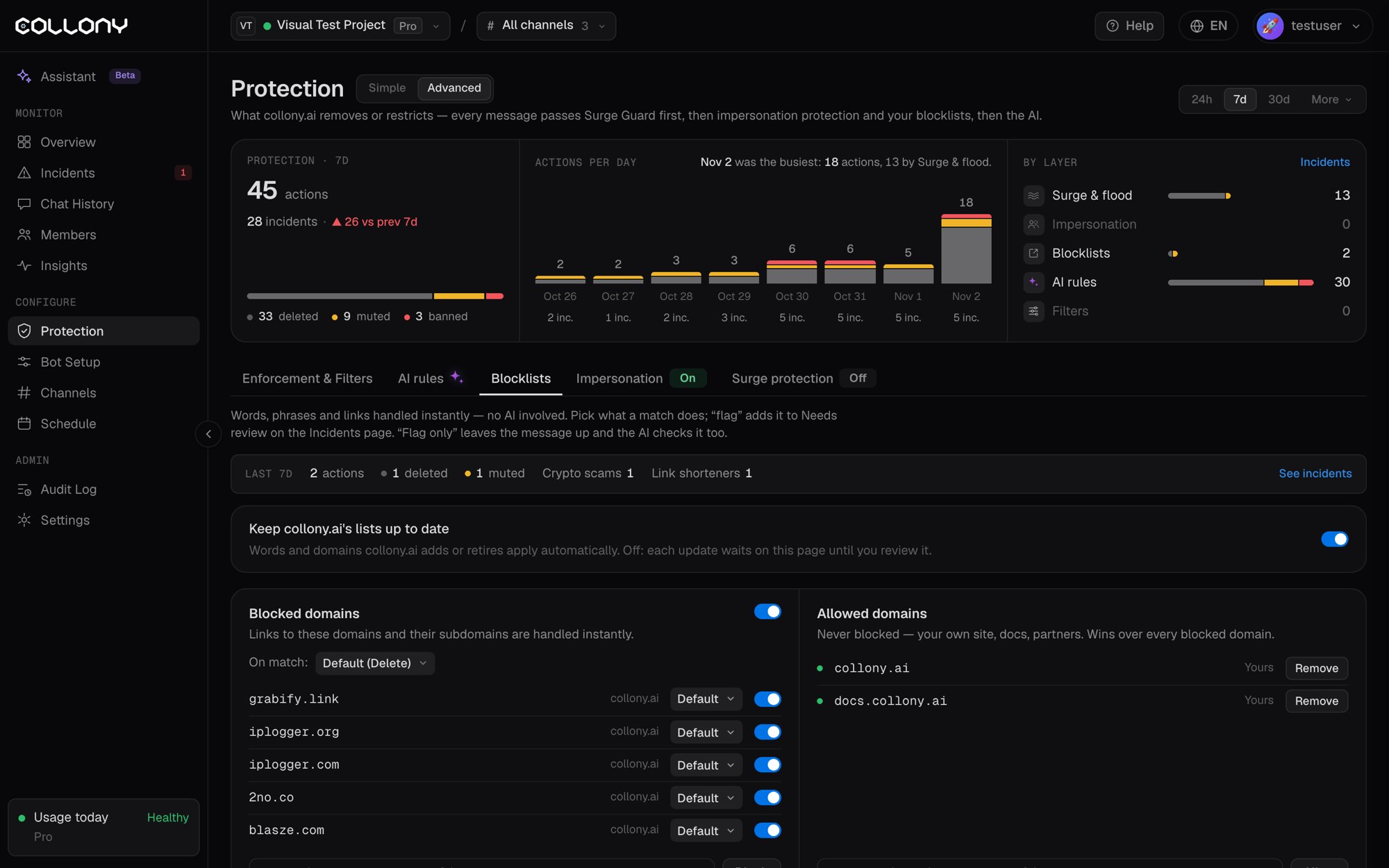
For each domain, collection or entry you pick the action on a match:Keep collony.ai’s lists up to date
With this on, words and domains collony.ai adds or retires apply to your project automatically. With it off, each update waits on this page until you review it.Blocked domains
Links to these domains and all their subdomains are handled instantly. Type a domain and click Block. Domains collony.ai added are marked as such.Allowed domains
Domains here are never blocked: your own site, your docs, your partners. An allowed domain wins over every blocked domain and over the new member link limit. Type a domain and click Allow.Collections
Lists collony.ai keeps for you. Switch one on, pick what a match does, and add your own entries.
Each collection shows its active entries, how many are yours, its hits in the last 7 days and its most matched entries.